Finally, a websiteyou can build yourself.

A step-by-step guide that takes you from a blank screen to a live website that you fully own.

  • Without coding
  • Without an expensive designer
  • Without monthly fees

Each lesson shows you what to do next,until your website is ready to go live.

4.95/5·159 client reviews·575 clients

Your business is real.It’s time your website was too.

You’ve put time, effort and money into building your business.

You have customers.You know your trade.You know the value of what you offer.

But when someone asks for your website,
what do you send them?

Your Facebook page?

An Instagram profile?

Or perhaps nothing at all?

You’ve probably thought about getting a proper website. Maybe you’ve even looked into it.

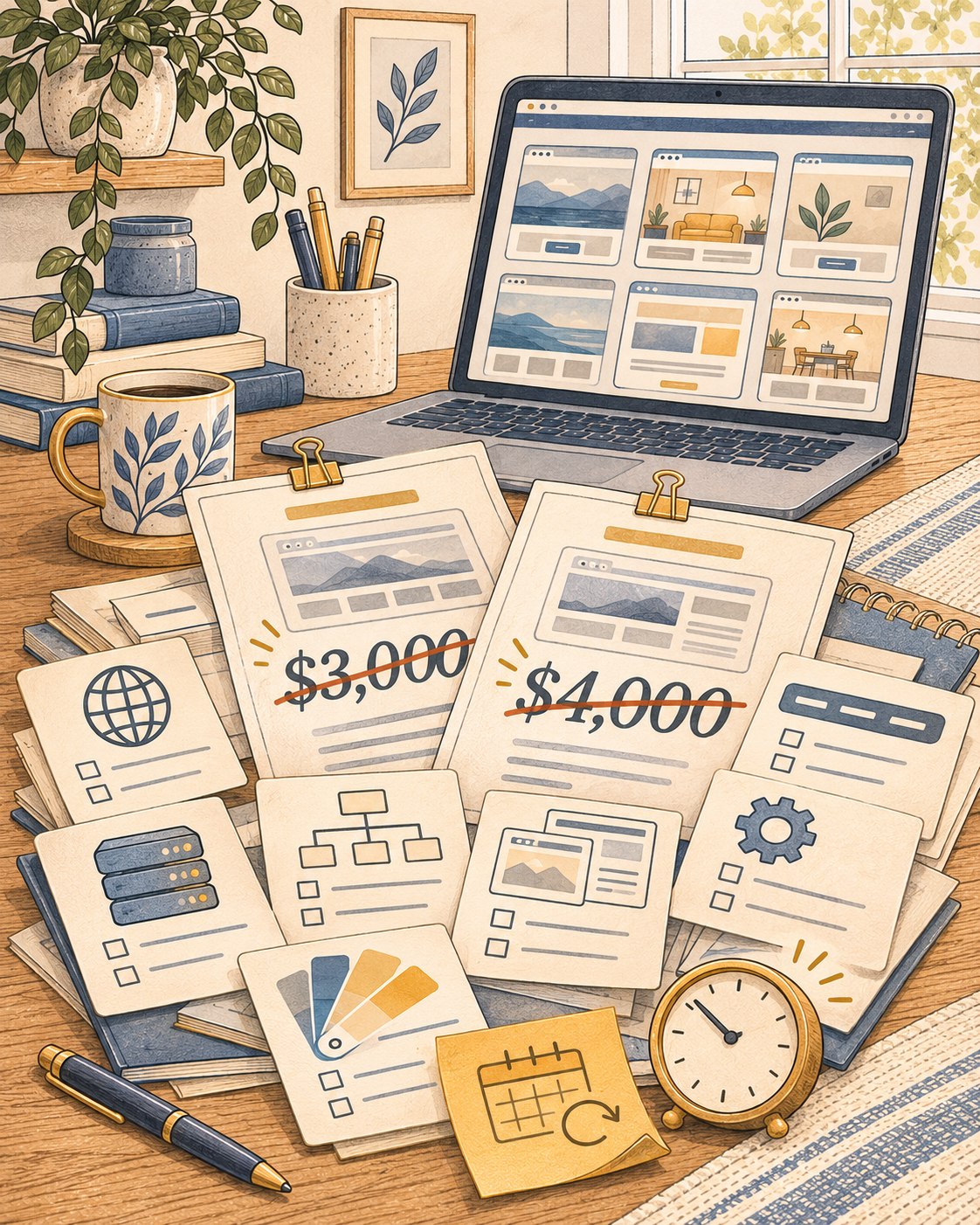
Then came the quotes: $3,000, $4,000, sometimes even more.

Or you tried a website builder, only to find yourself surrounded by templates, settings and technical terms you don’t understand.

And so the project gets postponed.

Again.

You don’t need to keep putting it off.And you don’t need to spend thousands to get started.

You can build your own website.You just need a clear path to follow.

A crowded desk of website quotes, templates and setup tasks illustrates the burden of starting alone
Image slot: images/pain-story.jpg
Right-side illustration · 4:5 portrait
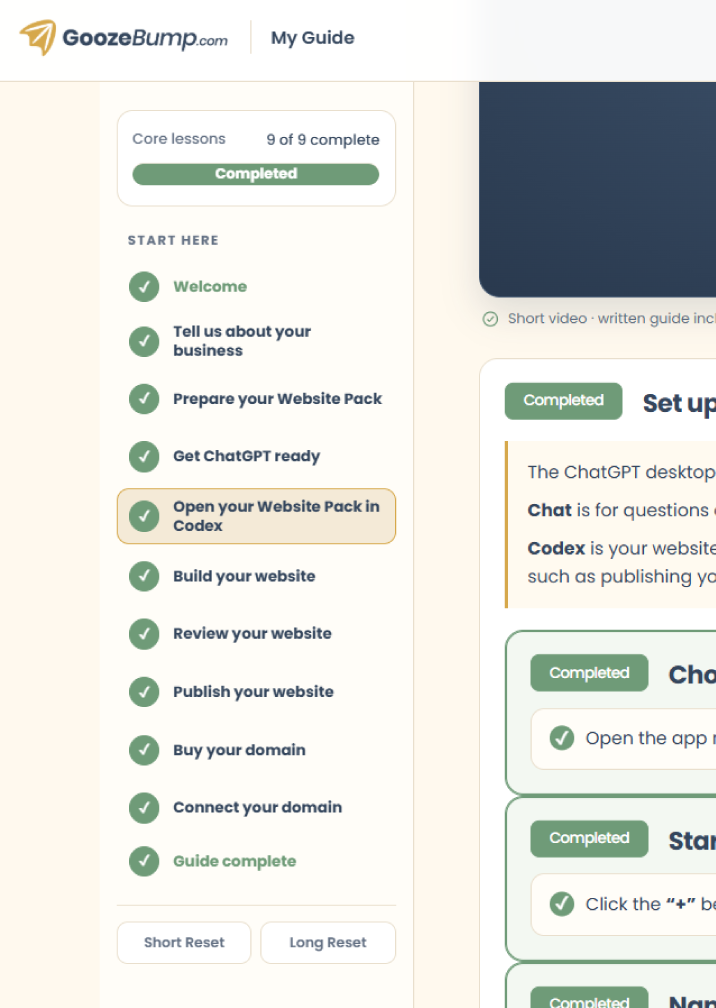
Preview of the GoozeBump lesson dashboard
Image slot: images/dashboard-preview.png
Dashboard preview · portrait

Meet GoozeBump

Your step-by-step guide to building and launching your own business website.

GoozeBump gives you one clear path from your first step to a finished website—not a random collection of videos.

You create your account and follow the lessons in your personal dashboard, at your own pace. Your progress stays visible, and each lesson brings together the instructions, videos and tools you need for that task.

  • Without jumping between YouTube videos.
  • Without searching through endless tutorials.
  • Without guessing which step comes next.

Your time matters. This guide focuses on the quickest way to build and launch your website at the lowest cost possible.

Focus on the lesson in front of you, and keep moving toward your finished website.

You don't need to be a technical person to do this.

I know what you might be thinking.

  • "What if I've never built a website before?"
  • "What if I don't understand hosting?"
  • "What if I mess something up?"

That's exactly why the guide is organised into small, manageable steps.

You don't need to understand everything before you start.

You learn what you need, when you need it.Each lesson builds on the one before, so you can concentrate on the task in front of you rather than worrying about the whole process.

And you're not expected to become a developer.

You're learning a practical way to create, publish and manage a simple business website.

A thoughtful small-business owner works through a website checklist beside his laptop
Image slot: images/confidence-checklist.jpg
Owner following a short checklist · landscape
Friendly, professional headshot of Oakbrand
Image slot: images/oakbrand.png
Friendly, professional headshot · portrait

A quick introduction from the person behind GoozeBump

Hi, I'm Oakbrand.

I started out in programming.I studied it at university for two years and worked as a programmer in two companies for almost two years, using C++, Perl and Python.

For the past 14 years, my work has focused primarily on branding and web design.

That combination gave me an appreciation for both sides of a website: how things work behind the scenes, and how to make them clear and approachable for the people using them.

I created GoozeBump because I wanted to make the process of building a website easier to understand for people who aren't technical.

My goal is simple: to guide you through the process, help you get your website online, and give you the confidence to manage it yourself.

And here's something you might find interesting:

The website you're browsing right now was built using the very same method I'm about to teach you.

I'll show you how to do it yourself, step by step.

A little proof that you're in good hands

Reviews from my branding and web design clients.

4.95/5
159client reviews
575clients

Here's what some of those clients had to say.

★★★★★

They understood our vision.

“The designer truly understood our vision and brought it to life with creativity and professionalism. The process was smooth, and the final result exceeded our expectations!”
joerg.andermanWVerified Review

★★★★★

Patient, thoughtful and easy to work with.

“Wonderful to work with. Very patient and kind.”
sarahWVerified Review

★★★★★

Great guidance, even for a non-designer.

“Clean, simple design to capture a complex challenge. Oakbrand is clearly passionate about design and was able to lead a non-designer through to a longstanding final product. Highly recommend.”
Anonymous clientVerified Review

★★★★★

Responsive from beginning to end.

“Oakbrand was so responsive from beginning to the end and quick to apply any feedback.”
mreed186Verified Review

That same thoughtful approach is built into GoozeBump.

Why pay for a website every month when you can learn to own one?

A simple business website may go months—or even years—with only an occasional update.

If you cancel a subscription website builder, your website can go offline, and moving it elsewhere may not be straightforward.

GoozeBump teaches a different approach.

  • Your website is built from files that you control, using your own accounts and your own domain.
  • The website setup taught in the guide works without monthly fees.
  • You can access your website files, make changes and publish updates yourself.

You're not just getting a website.

You're learning how to manage an online asset that belongs to you.

What a simple website plan costs over time

US monthly rates held constant · domain excluded

Wix Light · $24/month
Squarespace Basic · $25/month
GoozeBump · $28 one-time access
Cumulative cost of a simple website plan over five years The chart starts at the first monthly payment: 24 dollars for Wix Light, 25 dollars for Squarespace Basic, and 28 dollars for GoozeBump. Assuming monthly rates stay the same, after five years Wix costs 1,440 dollars and Squarespace costs 1,500 dollars. Domain costs are excluded. $0 $300 $600 $900 $1,200 $1,500 0 1 2 3 4 5 Years Total paid (USD) $1,500 $1,440 $28
Interior Design — Mockup websiteClick image to view full page

What will your website look like?

You don't need a huge, complicated website to make a good impression.

For most small businesses, a few well-organised pages are enough to get started.

Your website can include:

  • Home — Introduce your business and make a strong first impression.
  • Services — Explain what you offer and how customers can work with you.
  • About — Tell people who you are and why they should choose your business.
  • Contact — Give visitors an easy way to reach you.
  • Map — Help local customers find you.

You can also include links to your existing booking service or social media accounts.

The goal isn't to build the biggest website.

It's to build the right website for your business for the right cost.

Is GoozeBump right for you?

GoozeBump is designed for people who want an essential, professional website for their business and are happy to follow instructions to build it themselves.

It's a great fit for:

  • Illustration of a welcoming neighborhood storefront
    Image slot · local business

    Local businesses and service providers.

  • Illustration of a freelancer working on a laptop
    Image slot · freelancer

    Freelancers and independent professionals.

  • Illustration of a service business owner beside a work van
    Image slot · small business

    Small business owners.

  • Illustration of a creative professional with a camera and portfolio images
    Image slot · portfolio

    People building a portfolio.

  • Illustration of a person using a phone
    Image slot · DIY website

    Anyone who wants a website without hiring an agency.

It's not intended for complex ecommerce stores, advanced booking systems, web applications or custom platforms that need a backend.

A few things you might be wondering

  • Do I need coding experience?

    No. The process is designed for beginners and doesn't require you to write code.You'll be using guided instructions and AI-assisted tools to help create your website.

  • Do I need to buy hosting?

    The website setup taught in the guide works without monthly fees.You will need your own domain, and optional services such as business email may cost extra.

  • Will I own my website?

    You'll create your own accounts, register your own domain and manage your website files.The method is designed to keep those things under your control rather than tying your website to a subscription website builder.

  • Can I edit my website later?

    Yes. The guide includes instructions for editing your website and publishing updates.You'll be able to return to your files and make changes whenever you need to.

  • Will my website automatically appear at the top of Google?

    No. Publishing a website doesn't guarantee search rankings or visitors.Your website gives your business an online presence, but search visibility takes additional work.

  • How long does it take?

    That depends on your experience, the information and images you have ready, and how much time you can dedicate to the lessons.You can work through the guide at your own pace.There's no need to rush.

  • What happens if I get stuck?

    The lessons include troubleshooting guidance to help you understand and resolve common issues.

  • Are there any costs besides the $28?

    A .com domain at Cloudflare Registrar is currently listed at $11.17 for the first year and $11.17 per year to renew. The domain is a separate purchase from this guide; other endings have different prices, and prices can change. Check Cloudflare’s current domain prices before buying.The Cloudflare Pages hosting setup in the guide has no monthly hosting fee.ChatGPT Plus is optional. If you want higher usage limits while making many AI-assisted edits, it currently costs $20 per month in the US. You can use it for one month and cancel before it renews; usage limits may still apply.

You're closer to having your own website than you think.

I don't want you to buy this guide, get excited for a day, and leave your website unfinished. That's why I made the steps simple and easy to follow—so you can finish and think:

“Why didn't I do this sooner?”

You’ll have a website you can share with customers,and the satisfaction of knowing you made it happen yourself.

That knowledge is yours to keep. When another business, project, or idea comes along, you won’t be starting from zero.

Your website. Your skills. Your accomplishment.

Choose your starting point

Start with the free guide, or get the complete guide to create and launch your website.

Free

Create Your Website

Build and edit your first website with AI.

Free

No credit card needed · Lifetime access

  • Create from scratchBuild your first website step by step.
  • Make your own editsChange the design, words, and pictures.
  • Better-looking designUse design resources to guide the AI.
  • Ready-made promptsKnow what to ask at each step.
  • Keep full ownershipYour files. Your website.
  • Takes 30–60 minutesCreate your first site with guided steps.
Create your website

Coming soon

Grow Your Website

More capabilities for your growing business.

Coming soon

Offer details are in development

  • Advanced toolsDo more with your website.
  • More automationSimplify more website tasks.
  • Additional widgetsGive visitors more ways to connect.
Coming soon
14 days
money-back
guarantee
Secure
payment
Lifetime
access
Recently
updated